 P4 Software
/
logisticaHQ-en
P4 Software
/
logisticaHQ-en
P4 Software
/
logisticaHQ-en
P4 Software
/
logisticaHQ-en
A Pick Ticket is a sales order without pricing, as logisticaHQ is a Warehouse management System we do not have pricing information. Pricing information is managed in your ERP.
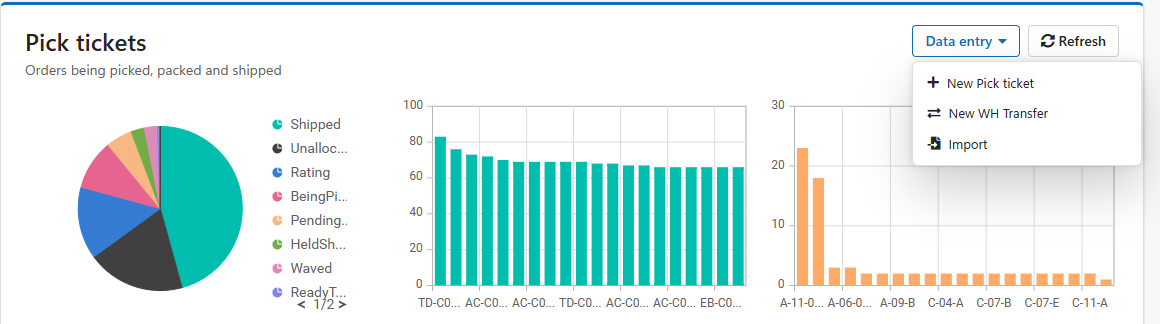
Under Fulfilment select Pick tickets. When the Pick tickets grid opens select "New Pick ticket" from the Data Entry dropdown box.

As the Pick Ticket processes through each step, buttons become visible or hidden to eliminate confusion.
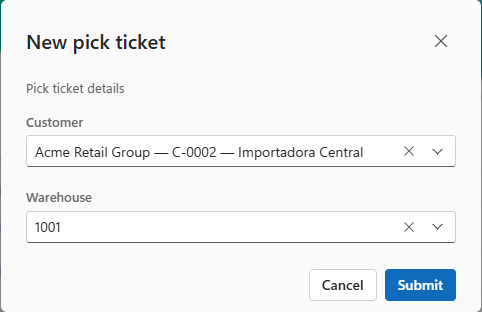
Select the Customer, Warehouse and leave Pick ticket number blank if you wish the system to auto select next in series. Then Submit and Draft Pick ticket will be created.
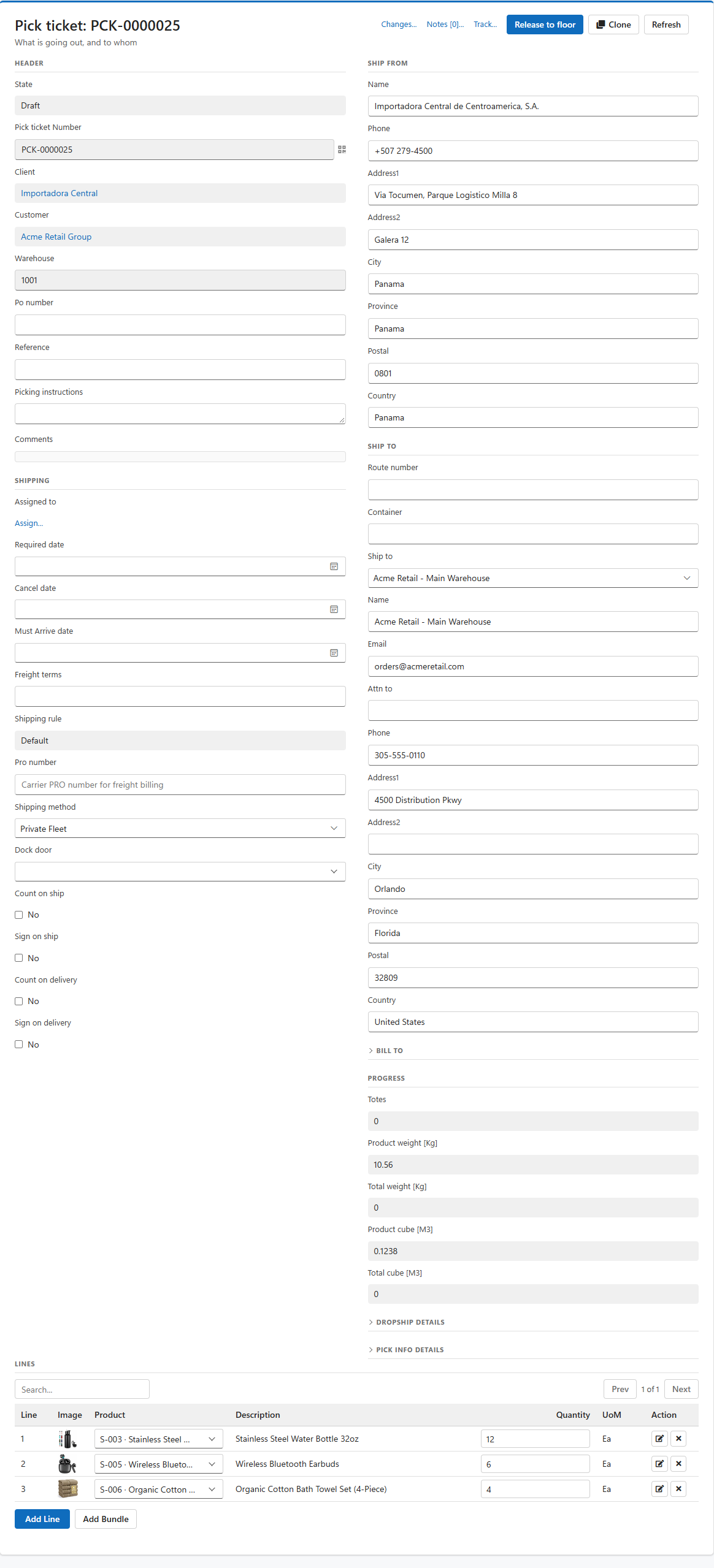
In the Pick tickets screen you will now see a new Pick ticket. Click on Pick ticket number to review/edit/add notes.
Adding items to Pick ticket:
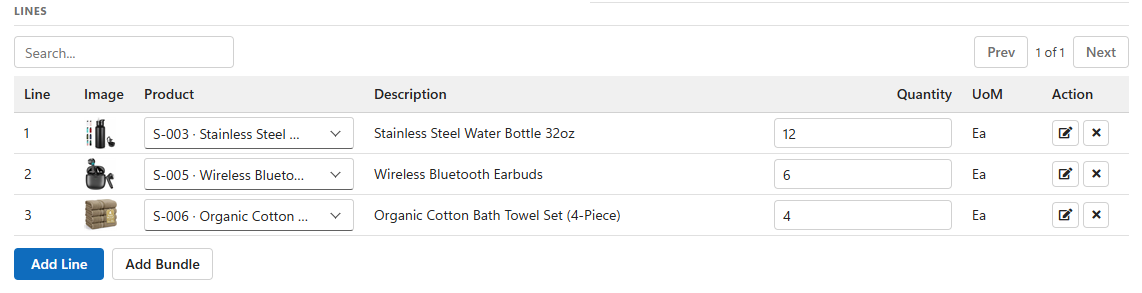
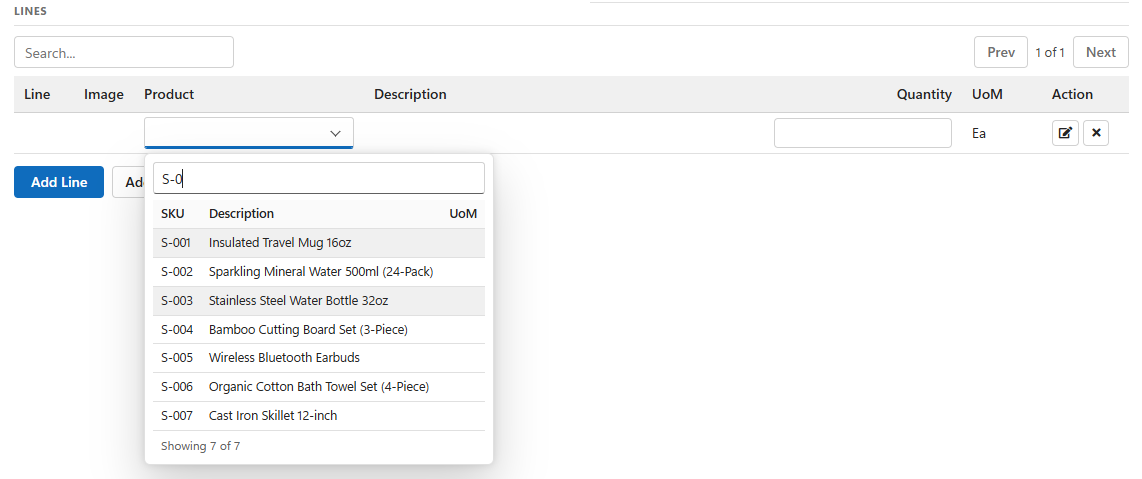
Once Pick ticket entry is complete user can "Release to floor" or "Allocate" only.
By importing the PickTickets you can mass import hundreds of orders at once.
The excel import template can be obtained from your LogisticaHQ Partner. https://partners.p4.software/partner-locator/#locator
A backorder is left over Products that did not get shipped on the original order.
Back Orders are typically auto created either by your ERP or by LogisticaHQ. In rare situations the process is Ship and cancel, in this configuration there will be no back order generated. Ship and Cancel is common in the food industry.
A backorder will look like a normal Pick Ticket however, in the numbering scheme you will notice a _1 or _2 in the order number indicating the version of the backorder.
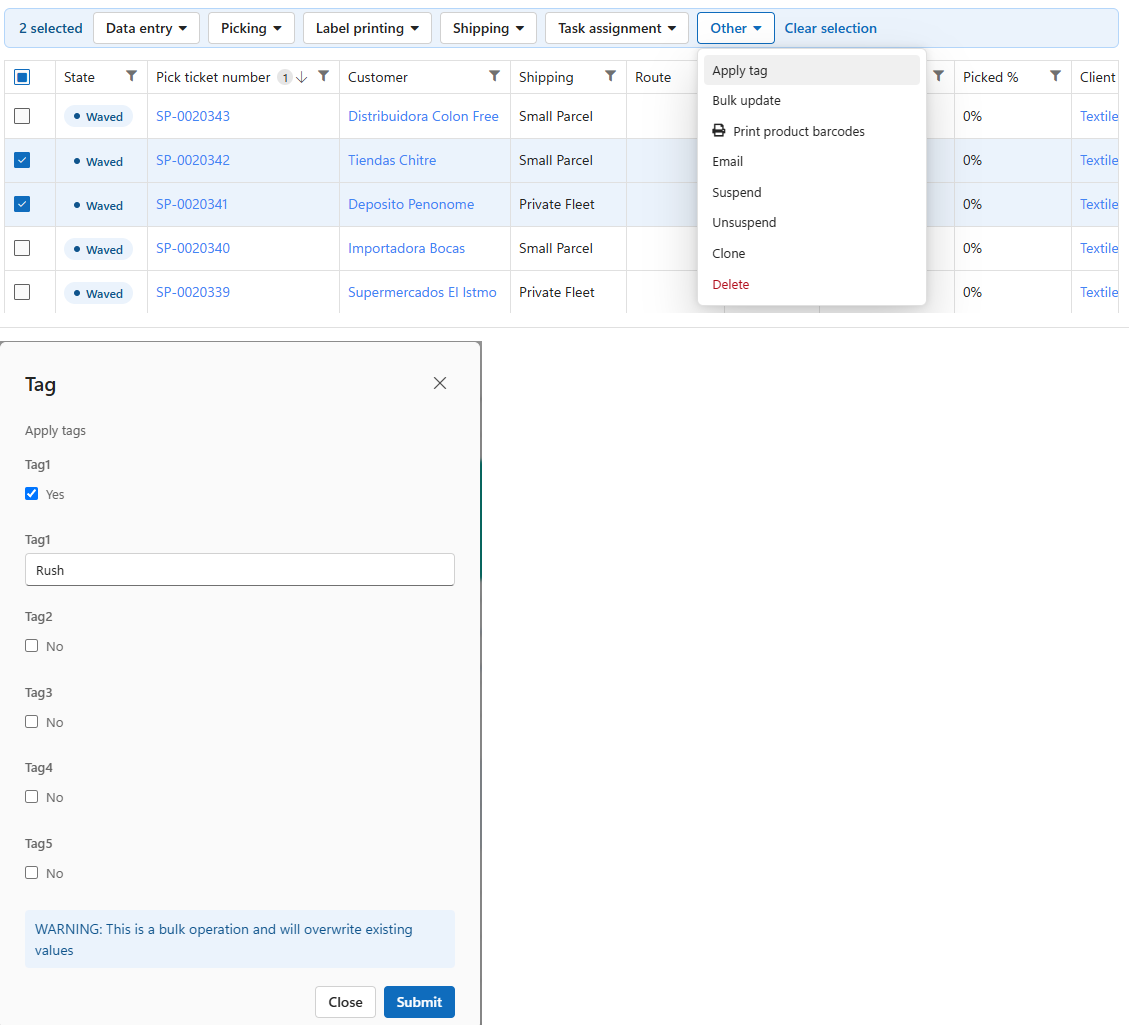
In the Sales Order screen, you will be able to apply tags to orders. By adding tags this will allow easier sorting and grouping of orders you need to process. Please see the attached video.
Download video demonstration
Was this page helpful?