 P4 Software
/
logisticaHQ-en
P4 Software
/
logisticaHQ-en
P4 Software
/
logisticaHQ-en
P4 Software
/
logisticaHQ-en
The Work Order List shows a list of Production orders that are ready to be produced.
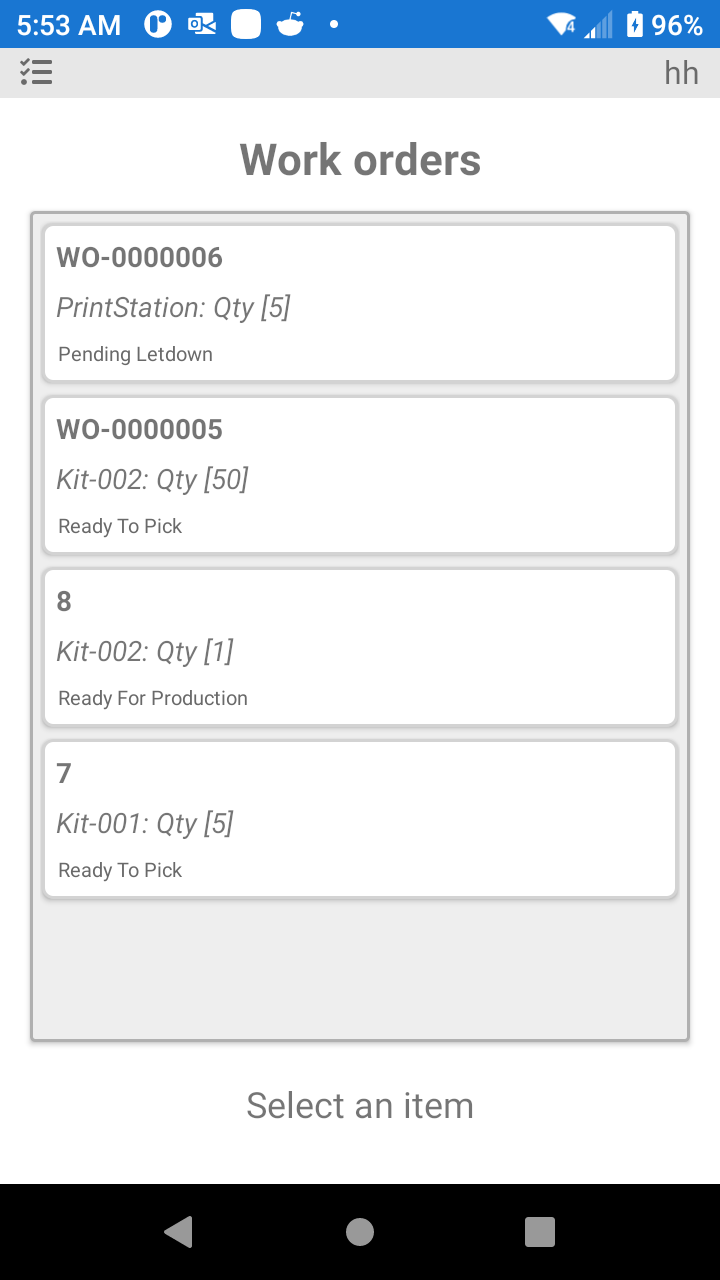
In the screen you can select the Work Order to begin the Production Process.
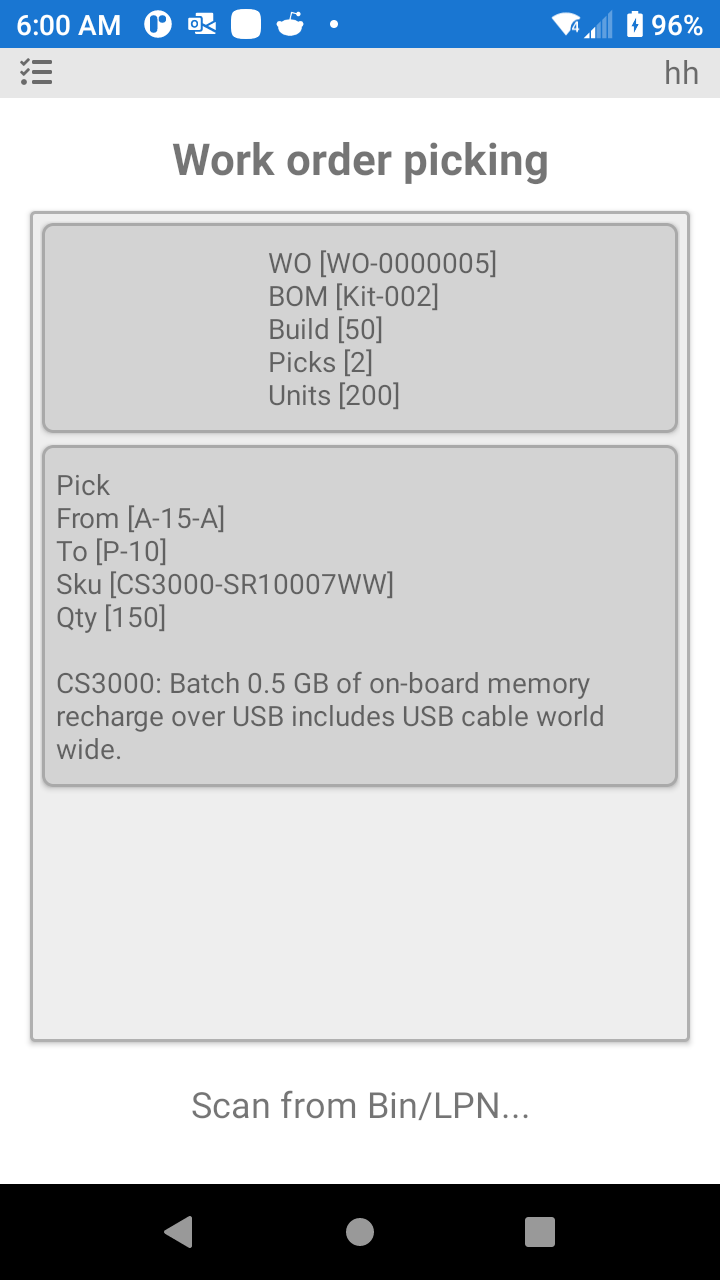
On this screen you will begin the process of Picking the raw goods and moving these good to the Production area assigned.
Was this page helpful?